Funding your online gaming account quickly, securely, and without unexpected transaction fees is essential for an enjoyable gaming experience. In the Philippines, the widespread adoption of digital financial services—led by GCash and Maya—has transformed interactive gaming cashiers, enabling near-instantaneous deposits and automated wallet updates.
JILIASIA has deeply integrated its cashier architecture with the Philippine domestic banking system. This technical guide provides step-by-step instructions for depositing funds via GCash, GCash QR Ph, Maya, and local bank transfers, alongside troubleshooting protocols for delayed transactions and vital financial safety practices.
---
Comprehensive Cashier Channels and Deposit Limits
Review the fundamental operational parameters for each supported cash-in method on JILIASIA:
| Cashier Channel | Deposit Speed | Minimum Deposit | Maximum Deposit | Transaction Fee | Supported Providers |
|---|---|---|---|---|---|
| GCash Direct | Instant (< 60 Sec) | ₱100.00 PHP | ₱50,000.00 PHP | 0% (Free) | Globe, Smart, DITO |
| GCash QR Ph | Instant (< 30 Sec) | ₱100.00 PHP | ₱50,000.00 PHP | 0% (Free) | Any QR Ph Compatible App |
| Maya Wallet | Instant (< 60 Sec) | ₱100.00 PHP | ₱50,000.00 PHP | 0% (Free) | All Philippine Mobile Users |
| Direct Online Banking | 5 – 15 Minutes | ₱500.00 PHP | ₱100,000.00 PHP | 0% (Free) | BDO, BPI, UnionBank, Metrobank |
| Over-the-Counter (OTC) | 10 – 30 Minutes | ₱200.00 PHP | ₱20,000.00 PHP | 0% (Free) | 7-Eleven Cliqq, Cebuana, Palawan |
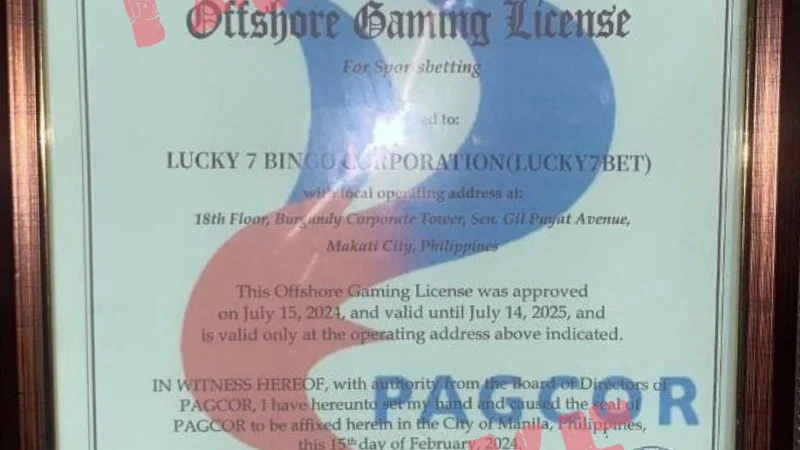
All electronic banking channels are operated in compliance with technical guidelines issued by the Bangko Sentral ng Pilipinas, guaranteeing end-to-end data encryption and strict transaction privacy.
---
Step-by-Step GCash Deposit Walkthrough
GCash is the most widely utilized mobile payment platform in the Philippines. JILIASIA provides two convenient methods to cash in via GCash:
Method A: GCash QR Ph Code (Recommended for Speed)
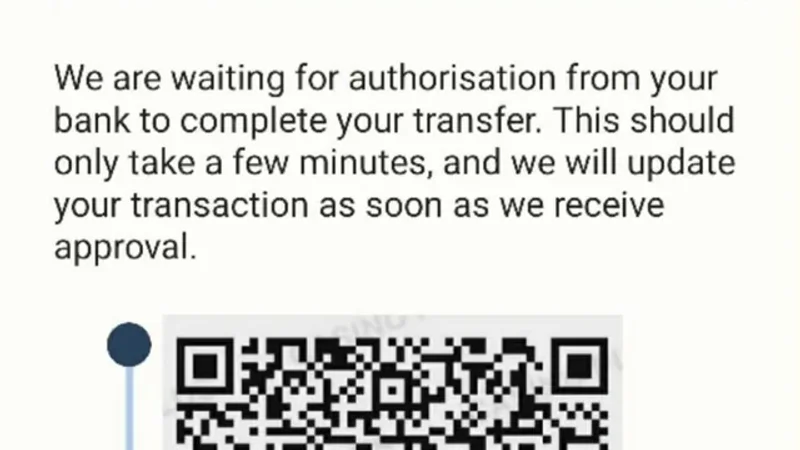
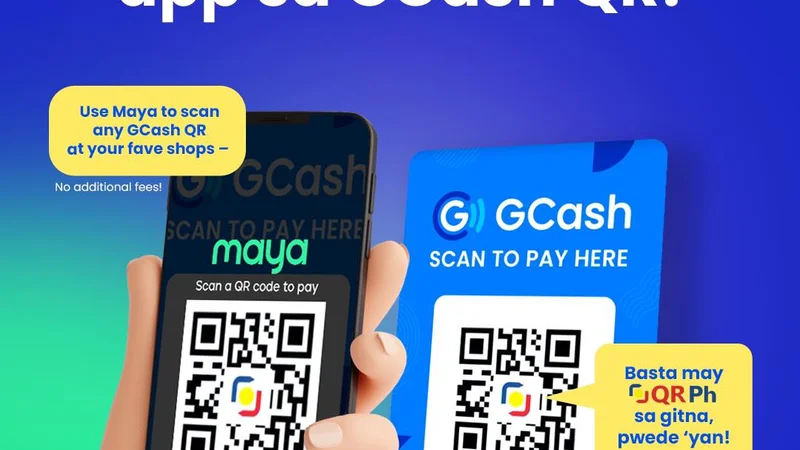
1. Access Cashier: Log into your JILIASIA account on your mobile browser or Android app and tap Deposit. 2. Select GCash QR Ph: Tap the GCash QR option and select your desired cash-in amount (e.g., ₱200, ₱500, ₱1,000). 3. Generate Dynamic QR Code: Tap Submit. A unique dynamic QR Ph code is generated on your screen with a 5-minute expiration timer. 4. Capture Screenshot: Take a screenshot of the QR code and save it to your mobile photo gallery. 5. Open GCash App: Launch the GCash application on your smartphone and tap Scan QR. 6. Upload Screenshot: Tap the photo gallery icon inside the scanner, select the saved QR screenshot, and the payment details will populate automatically. 7. Confirm Payment: Review the merchant name and exact amount, then tap Pay. Your JILIASIA wallet balance will update automatically within 30 seconds.Method B: Direct GCash Payment Gateway
1. Select GCash Direct in the JILIASIA cashier and input your deposit amount. 2. The browser will redirect to the secure GCash merchant login page. 3. Enter your 11-digit GCash mobile phone number. 4. Enter the 6-digit One-Time Password (OTP) sent to your phone via SMS. 5. Enter your 4-digit MPIN to authorize the transfer. 6. The screen will display a success confirmation, and your funds will instantly reflect in your gaming account.---
Step-by-Step Maya Wallet Deposit Walkthrough
Maya (formerly PayMaya) provides an equally reliable, encrypted electronic payment channel:
1. Navigate to the JILIASIA Deposit menu and select Maya. 2. Input your deposit amount (minimum ₱100.00). 3. Tap Next to open the encrypted Maya checkout gateway. 4. Enter your registered Maya mobile number and account password. 5. Input the 6-digit SMS verification code to validate the session. 6. Tap Pay Now to complete the cash-in. 7. Return to JILIASIA and refresh your dashboard; the deposited balance is ready for immediate play.
---
Troubleshooting Delayed Deposits and Cashier Errors
While digital e-wallet transactions are automated and instantaneous, occasional delays can occur due to telecom network congestion or banking gateway maintenance. If your funds are deducted from your e-wallet but fail to appear in your casino wallet after 5 minutes:
| Common Issue | Root Technical Cause | Immediate Resolution Protocol |
|---|---|---|
| Deducted but Not Credited | Gateway webhook timeout between e-wallet and platform | Capture screenshot of GCash/Maya SMS receipt and contact 24/7 Live Support for manual matching. |
| Expired QR Code Error | Screenshot scanned after the 5-minute expiration window | Generate a fresh QR code in the cashier and execute payment immediately. |
| E-Wallet Daily Limit Reached | User exceeded BSP monthly transaction limit (₱100k/mo) | Complete account verification (KYC) on GCash/Maya to upgrade your account tier ceiling. |
| Bank Maintenance Window | Scheduled InstaPay / PESONet clearinghouse maintenance | Wait for bank maintenance window to conclude, or switch to mobile e-wallets. |
---
Essential Cashier Safety and Anti-Fraud Practices
Because digital gaming transactions involve real Philippine currency, maintaining strict security hygiene is essential:
- Verify the Registered Name: Under anti-money laundering regulations overseen by PAGCOR, your registered casino account name must match your legal name on GCash or Maya. Deposits initiated from accounts owned by friends or relatives will be rejected.
- Never Share MPIN or OTPs: Official customer support representatives will never request your GCash MPIN or SMS verification code. Anyone asking for these credentials is an unauthorized actor attempting fraud.
- Save Transaction Reference IDs: Always preserve your electronic receipt showing the unique reference number until the transaction is successfully verified on the platform.
Direct Bank Transfer Deep Dive: InstaPay vs PESONet Benchmarks
For players transacting larger amounts, traditional banking rails offer robust security:
- InstaPay Gateway (Recommended for Speed): InstaPay facilitates real-time electronic fund transfers between major Philippine banking institutions (including BDO Unibank, BPI, UnionBank, RCBC, and Metrobank) and e-wallets. Transactions up to ₱50,000 per transfer settle within 5 minutes, 24 hours a day, 7 days a week.
- PESONet Gateway (For Large Batch Deposits): PESONet accommodates larger transfer amounts up to ₱100,000 or more with zero maximum ceiling. However, PESONet processes in batch clearing cycles during regular banking business hours. Transactions initiated after 3:00 PM PHT or on weekends will settle on the following banking business day.
Over-the-Counter Cash-In: 7-Eleven Cliqq and Pawnshop Channels
For players who prefer paying with cash or who lack linked bank accounts, over-the-counter deposit channels provide accessible physical alternatives throughout the Philippines:
- 7-Eleven Cliqq Kiosks: Generate an e-wallet cash-in barcode inside your GCash or Maya app, scan the barcode at any 7-Eleven Cliqq kiosk or cashier register, and hand cash directly to the store clerk. Once the e-wallet reflects the cash-in, execute the deposit into JILIASIA.
- Pawnshop Networks (Cebuana Lhuillier, Palawan Express, M Lhuillier): Nationwide pawnshop branches accept over-the-counter cash deposits into verified Philippine digital wallets. Simply provide your registered mobile number and government ID to the branch teller.
Regulatory Oversight and Responsible Gaming Notice
All real-money gaming activities in the Philippines are strictly regulated by PAGCOR and restricted to individuals aged 21 years and older.
Never deposit funds required for essential living expenses such as rent, groceries, healthcare, or utility bills. Treat all deposits strictly as an entertainment expense. If you or someone you care about needs support managing gambling habits, confidential counseling is accessible:
- National Problem Gambling Support via PAGCOR
- 12-Step Community Support through Gamblers Anonymous
- 24/7 Online Support Chat at GamCare